T-Pot Honey Pot Deployment Lab
This lab’s purpose for me is to setup security researching so that I can monitor, and study the attacks that happen on a Honeyot.
Through studying active attacks that have occured, as a Blue team proffesional you can better pickup on indicators and threat actor artifacts left behind from attacks.
Network Architecture
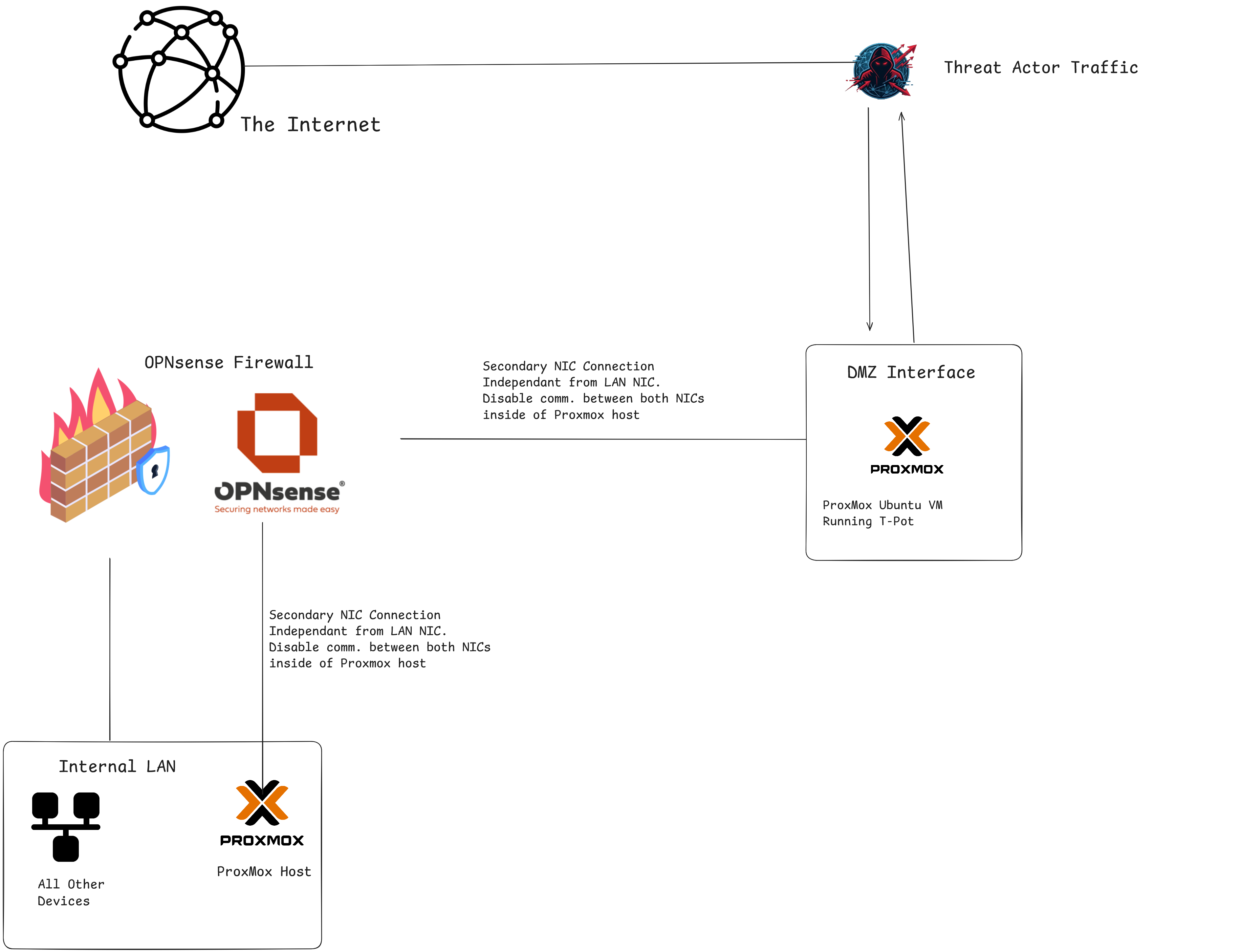
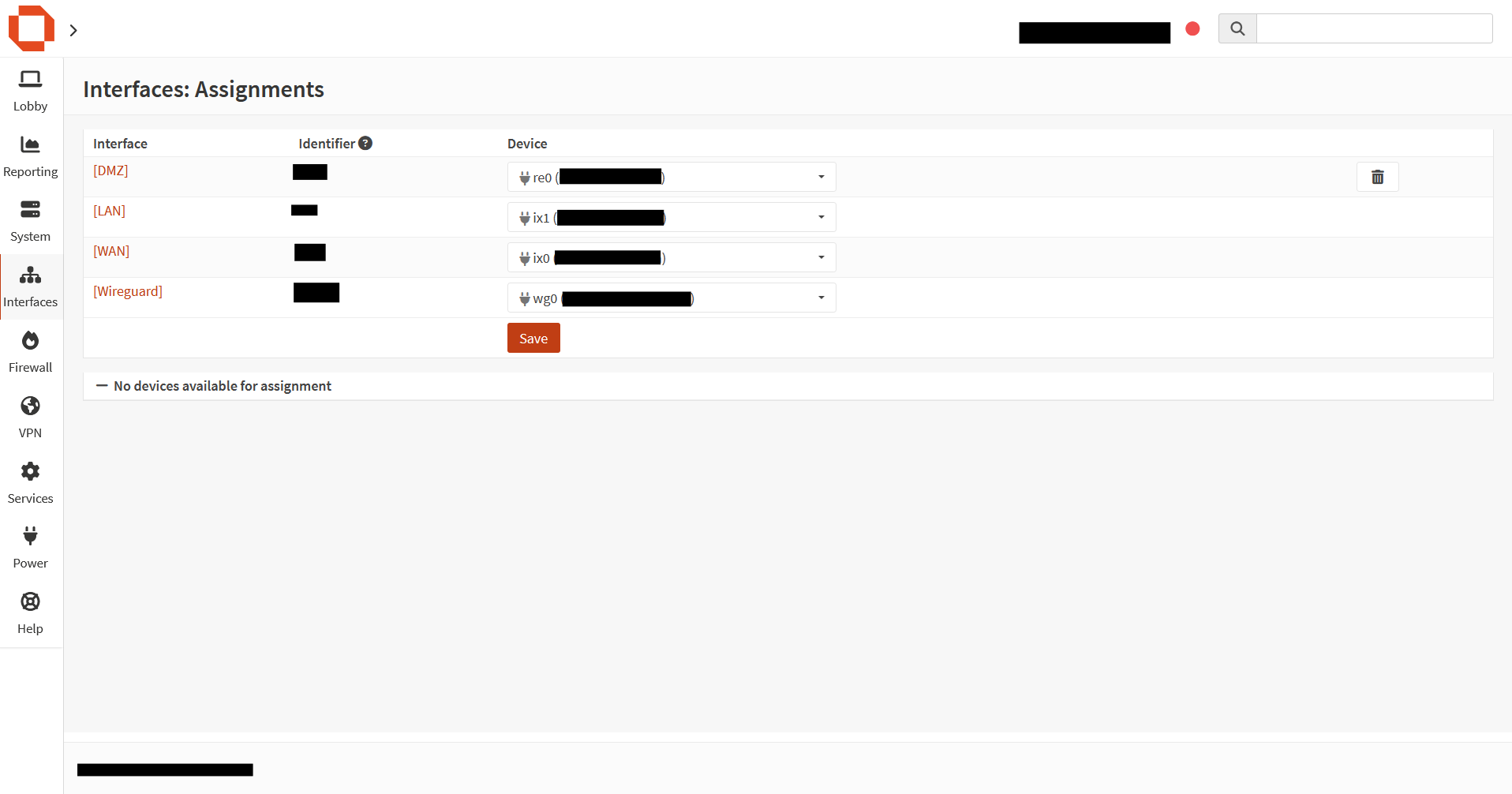
To start, I installed a secondary Intel Network Interface Card inside of my proxmox host. I set up a bridge between all 4 ports on the new NIC.
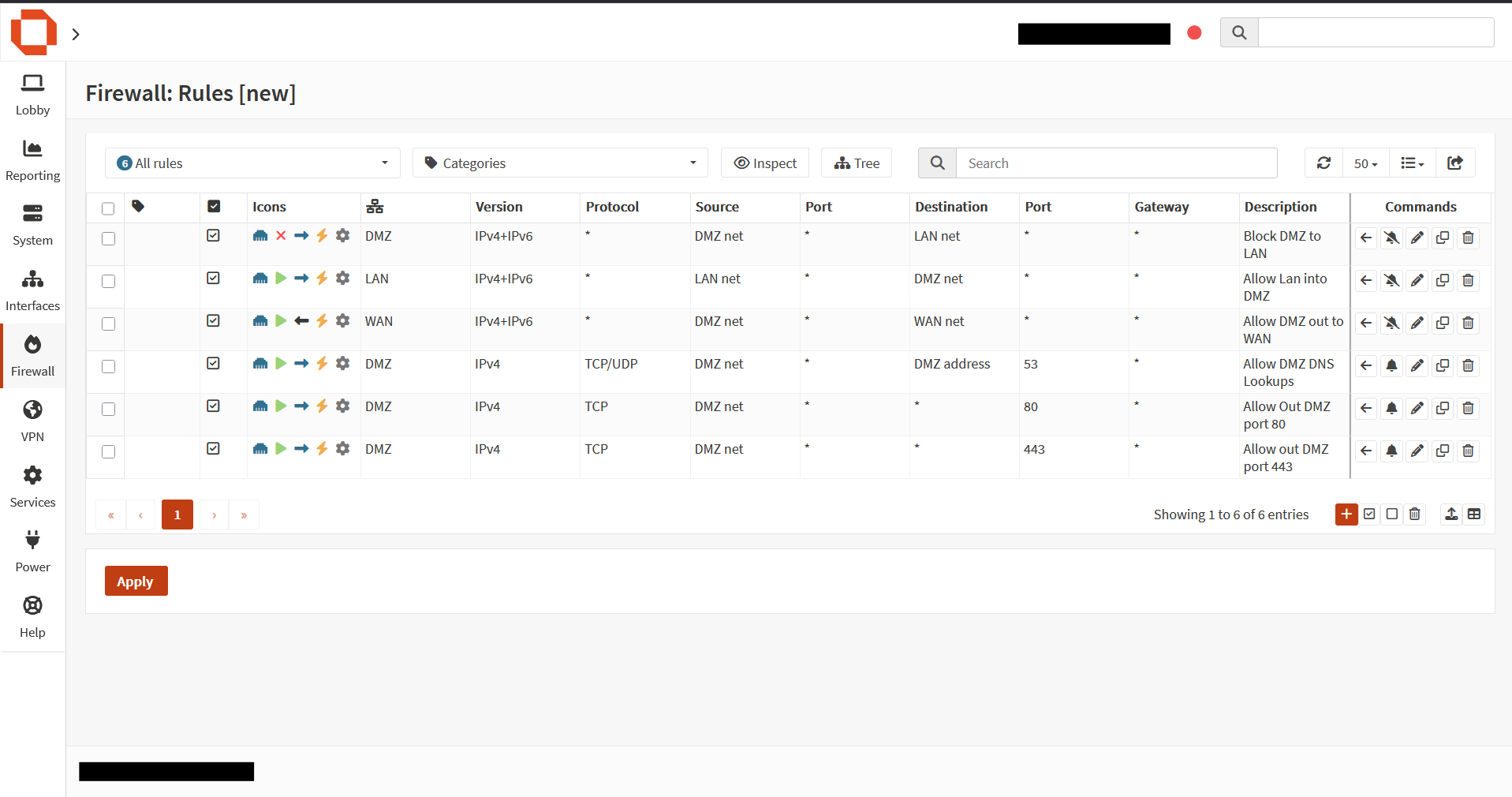
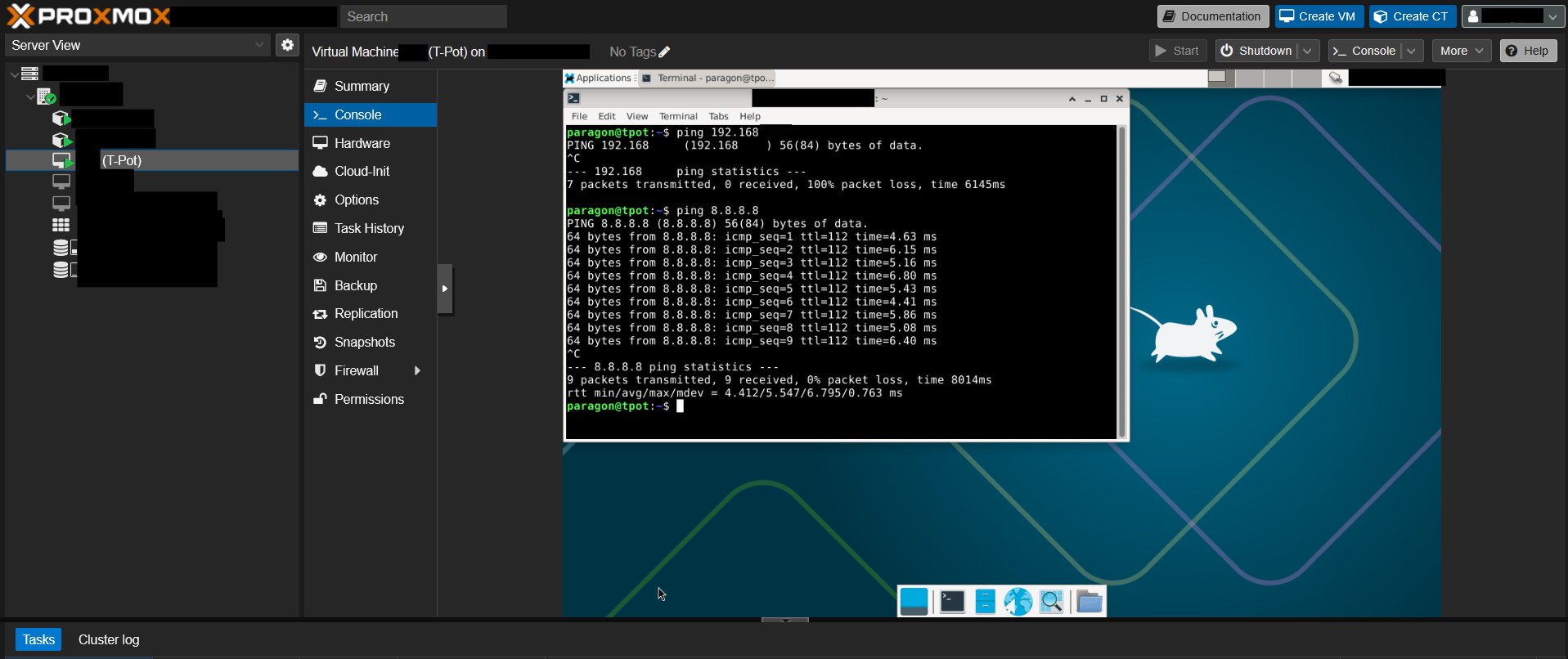
Here you can see there is no access back to the LAN subnet, but there is access out to the Internet.
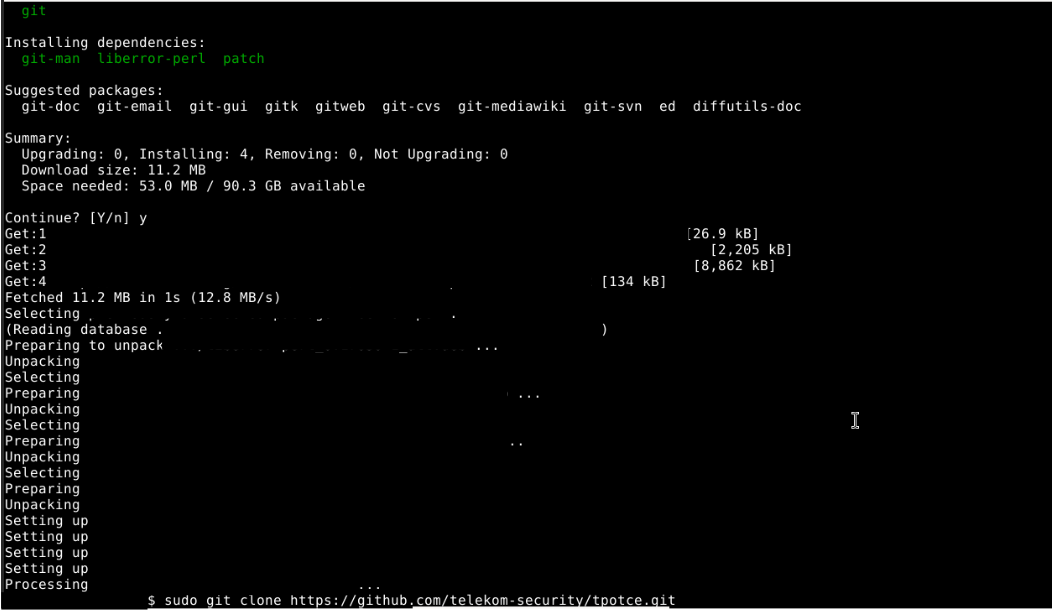
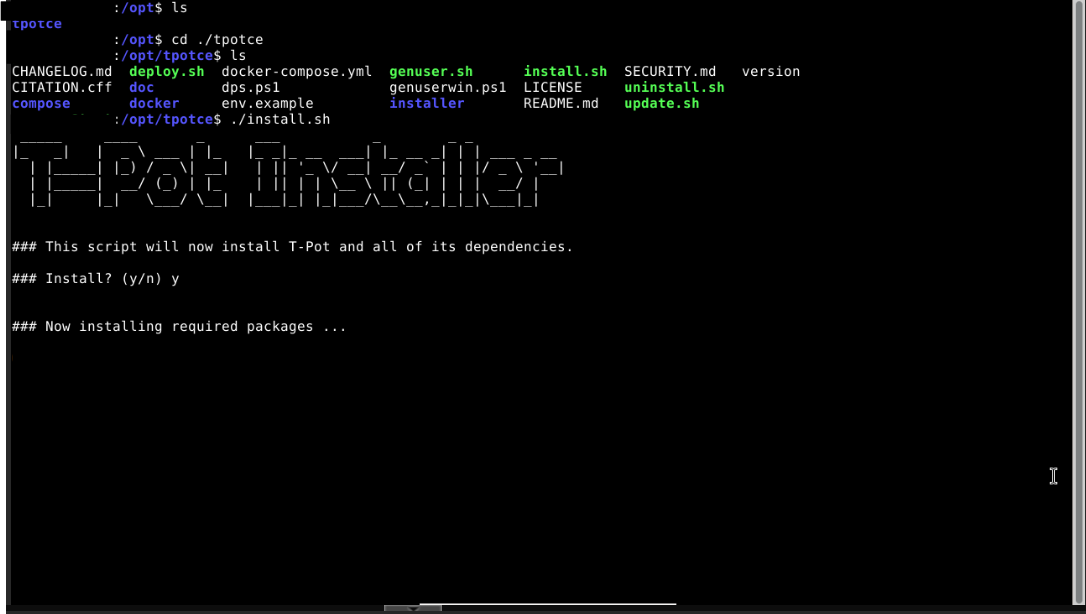
Next i installed git, and then t-pot.
alt text
Once I knew SSH works, I then pivoted to setting up access to the Web UI. I had to add another firewall rule to allow the LAN Interface access to the DMZ Interface.
I then tested the GUI by going to this: {VM IP Address}:64297
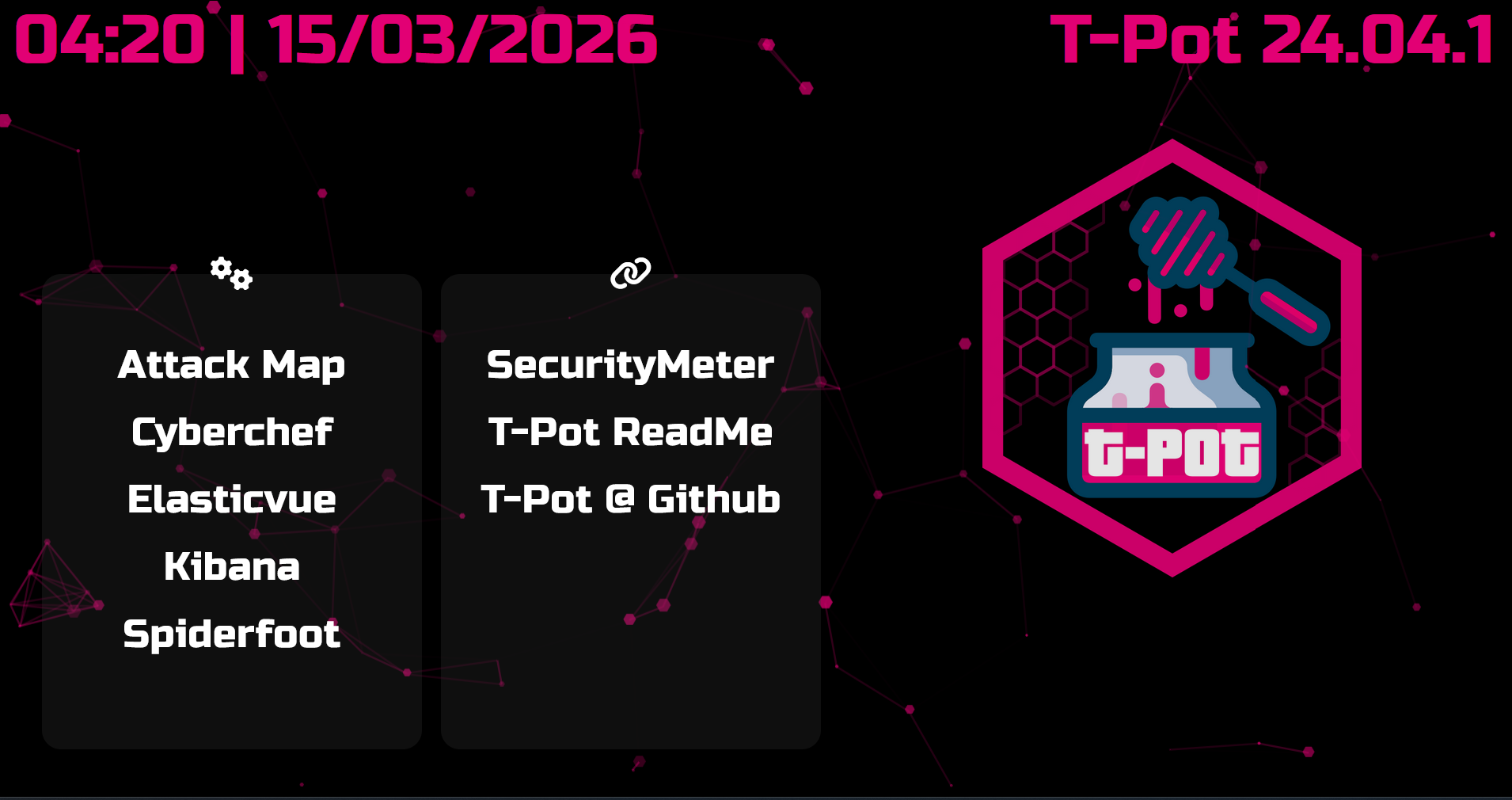
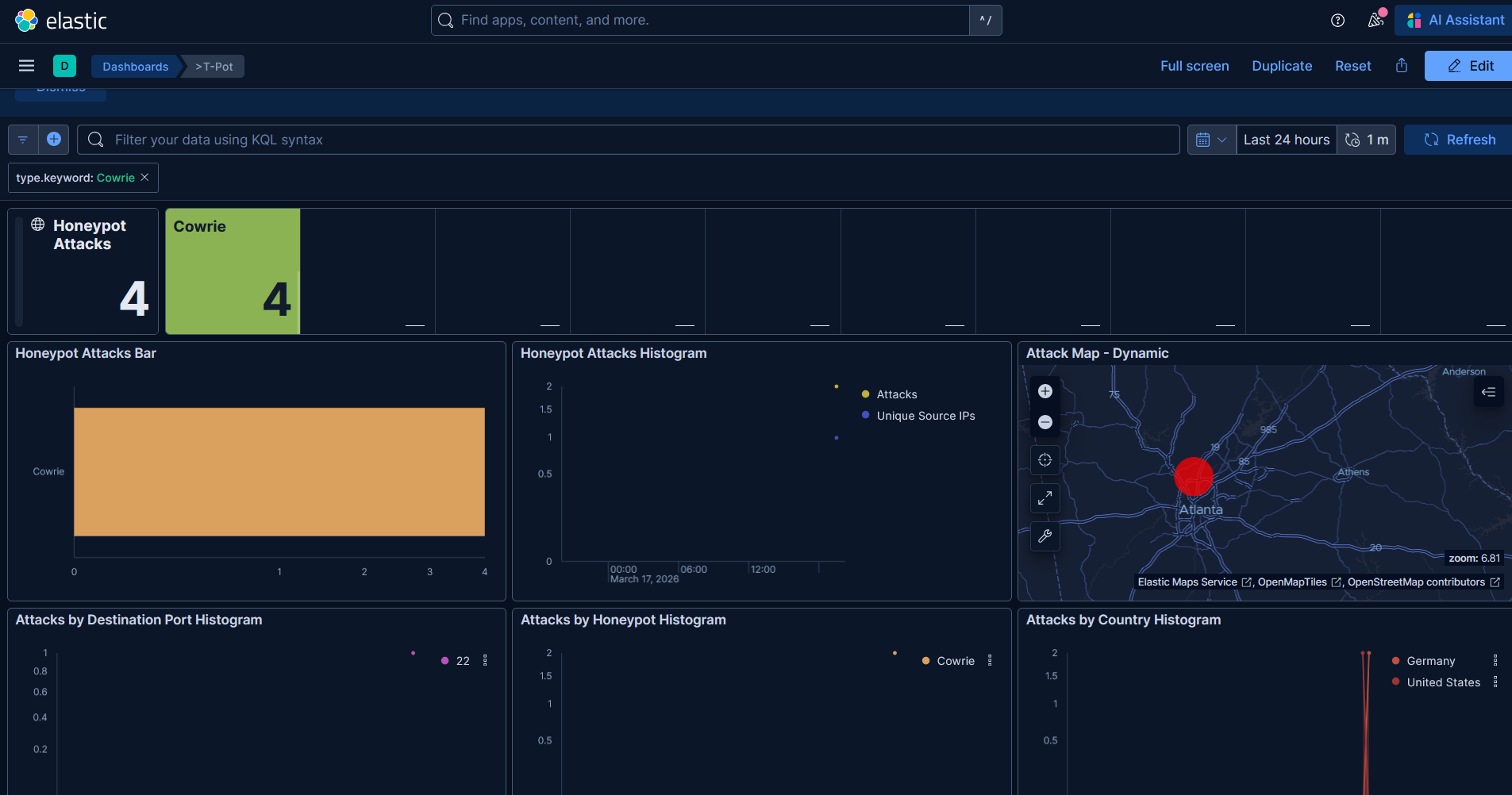
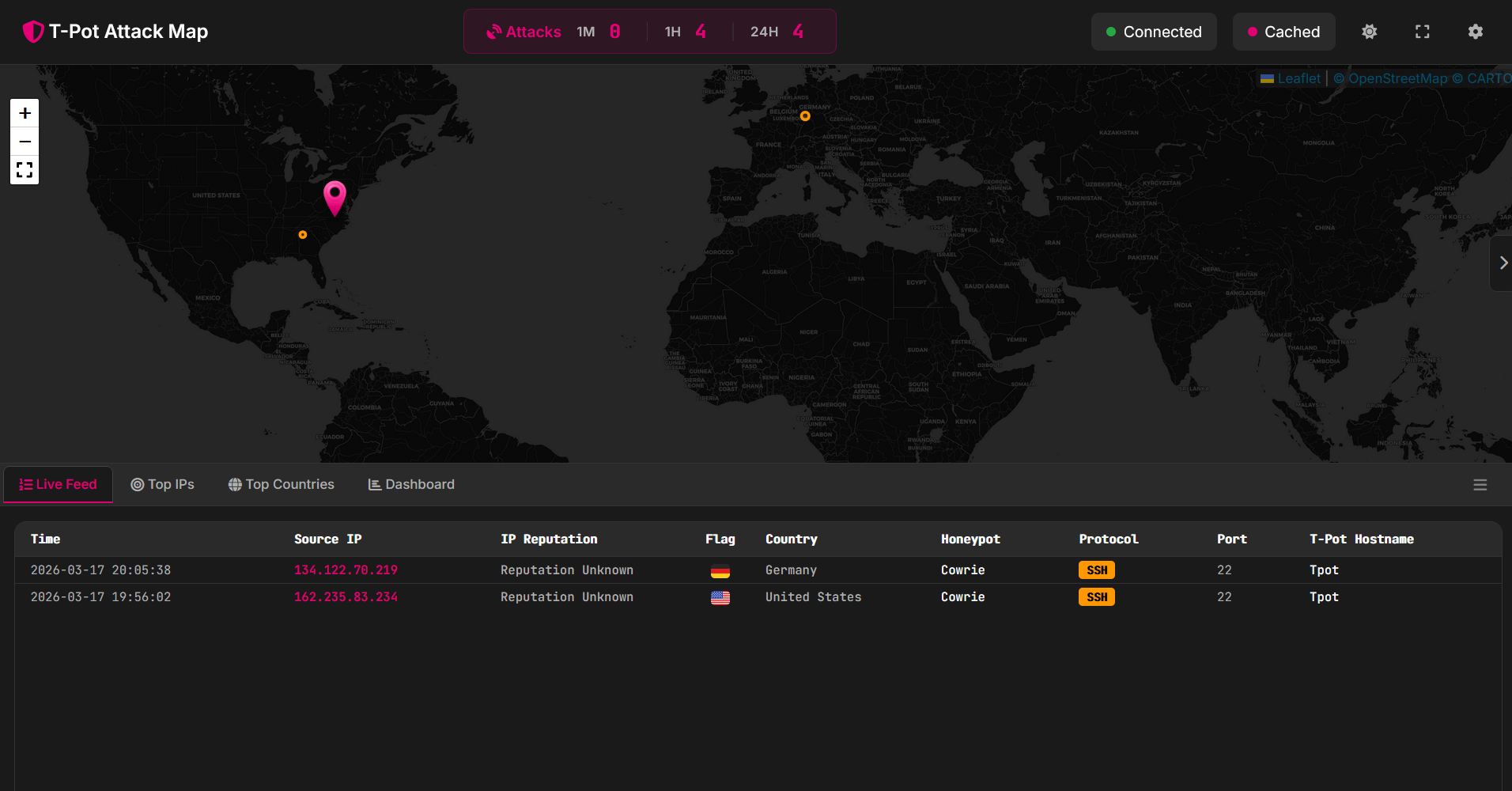
Here on the attack page, we cna see a few attacks have already occurred
Here is the Elastic dashboard where we can see threat actor metrics